













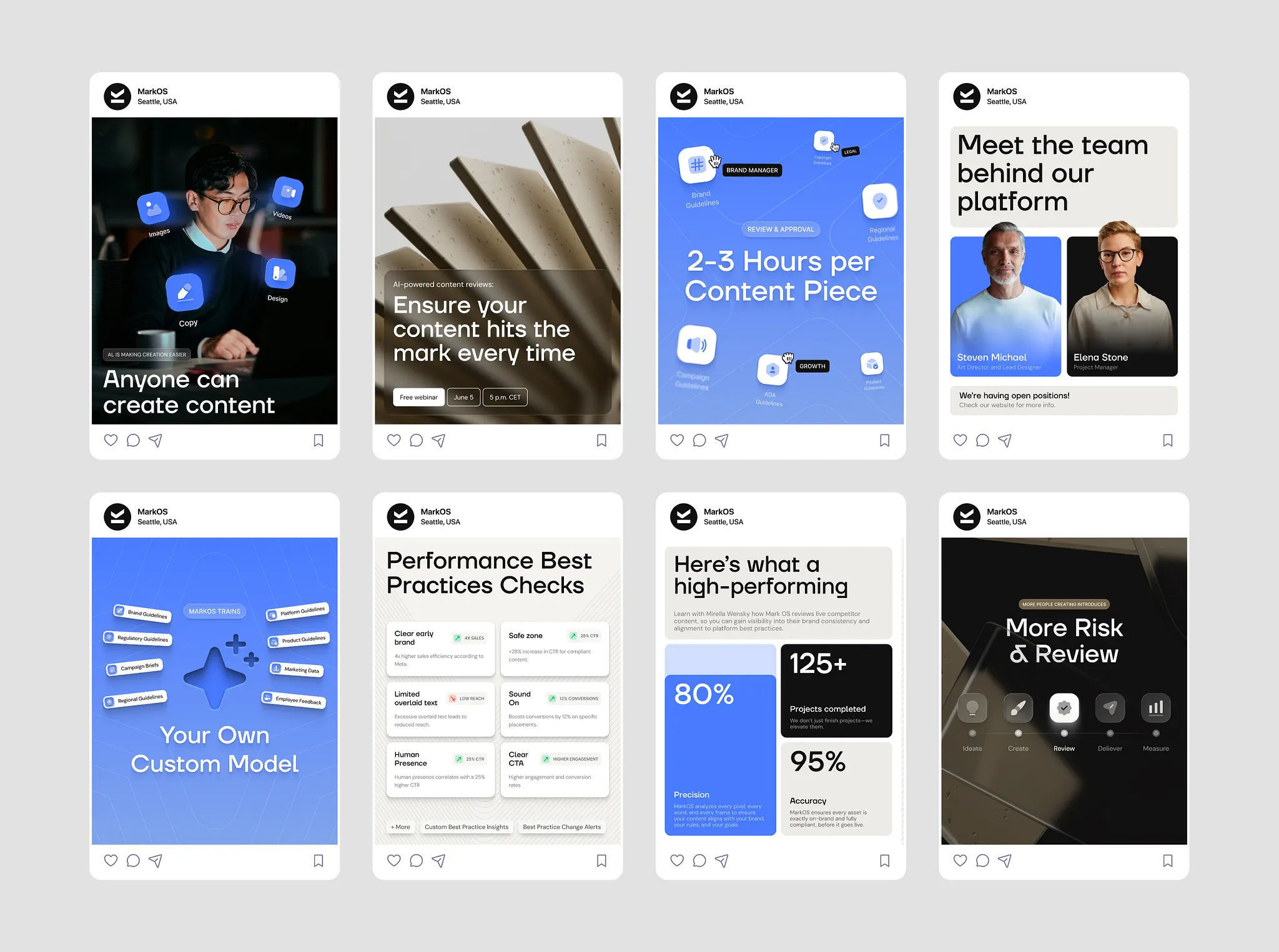
 Creative production Turn a brief into on-brand ads, social assets and campaign-ready creative.
 One AI employee.
Thousands of ways to put him to work.
Message Marcus in Slack or Microsoft Teams. He works across your company’s tools to create reports, run campaigns, build dashboards, automate workflows and complete tasks from start to finish.
Explore use cases
Other AI tools tell you what to do.
Marcus gets it done.
Choose a task below to see how Marcus uses your connected tools and returns finished work.
Automation PDF reports Presentations Image generation Video clips Graphic design Ad management Websites Live dashboards Email campaigns Data analysis Invoicing Market research Social media CRM updates Spreadsheets
Have another task in mind? Give it to Marcus. Start free
Popular tools Marcus works with:
Full context
One message in. Finished work out.
Connect Marcus to more than 3,000 tools and give him the context to work across your business. He pulls what he needs from your systems, completes the task and returns the finished result.
Shared AI employee
Your whole team can work with the same AI employee.
Bring Marcus into a shared Slack or Microsoft Teams channel. Anyone can add requirements, provide context, approve actions and see the finished work.

 Q3 board reportPosts · Shared channel # q3-board-reportShared team channel


 4
4 Popular use cases
Popular ways teams put Marcus to work
From one-off requests to recurring workflows, these are the jobs teams hand to Marcus most.
Creative production Turn a brief into on-brand ads, social assets and campaign-ready creative. 

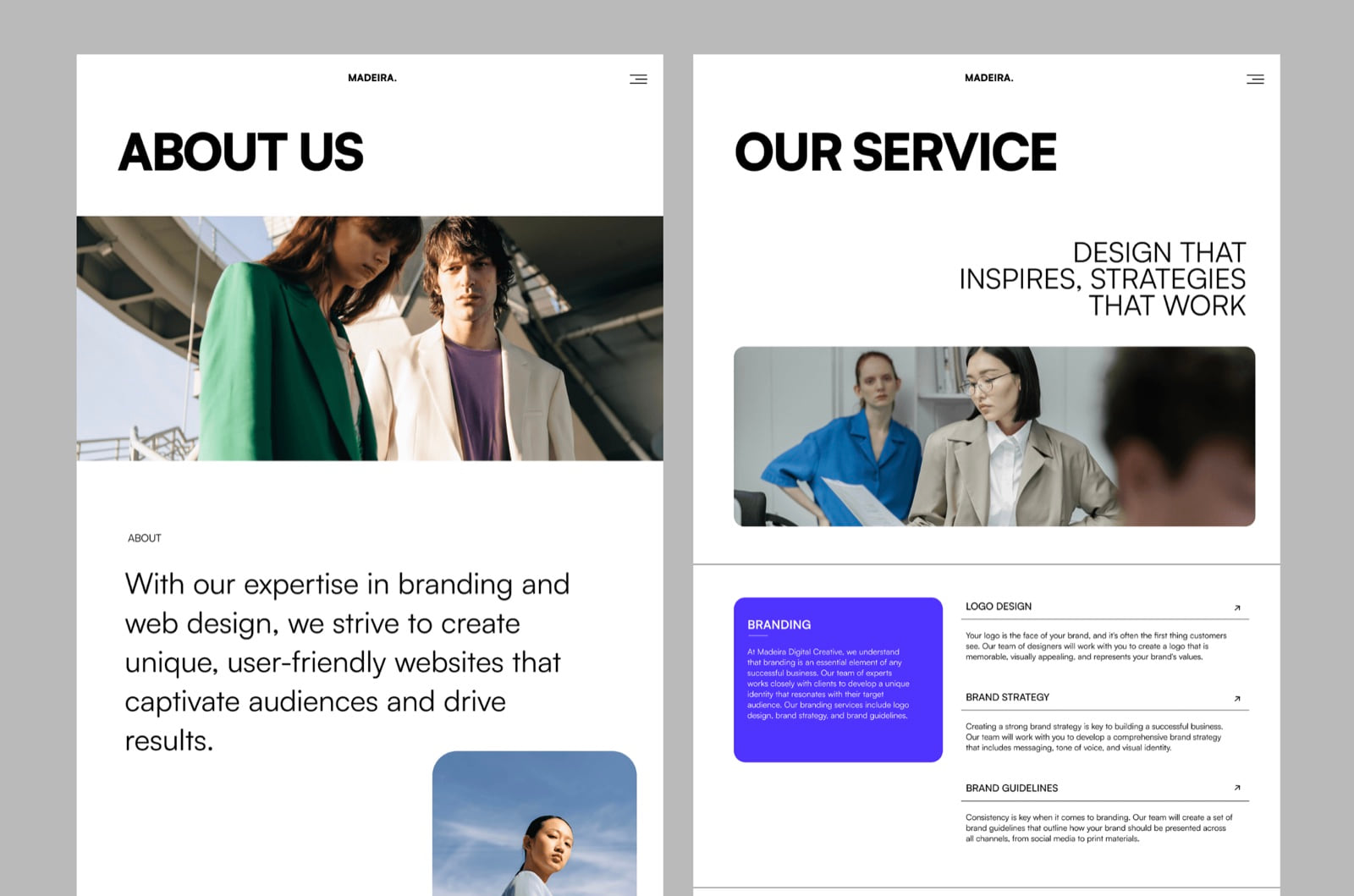 Documents and reports Turn live company data into polished reports, PDFs and client-ready documents.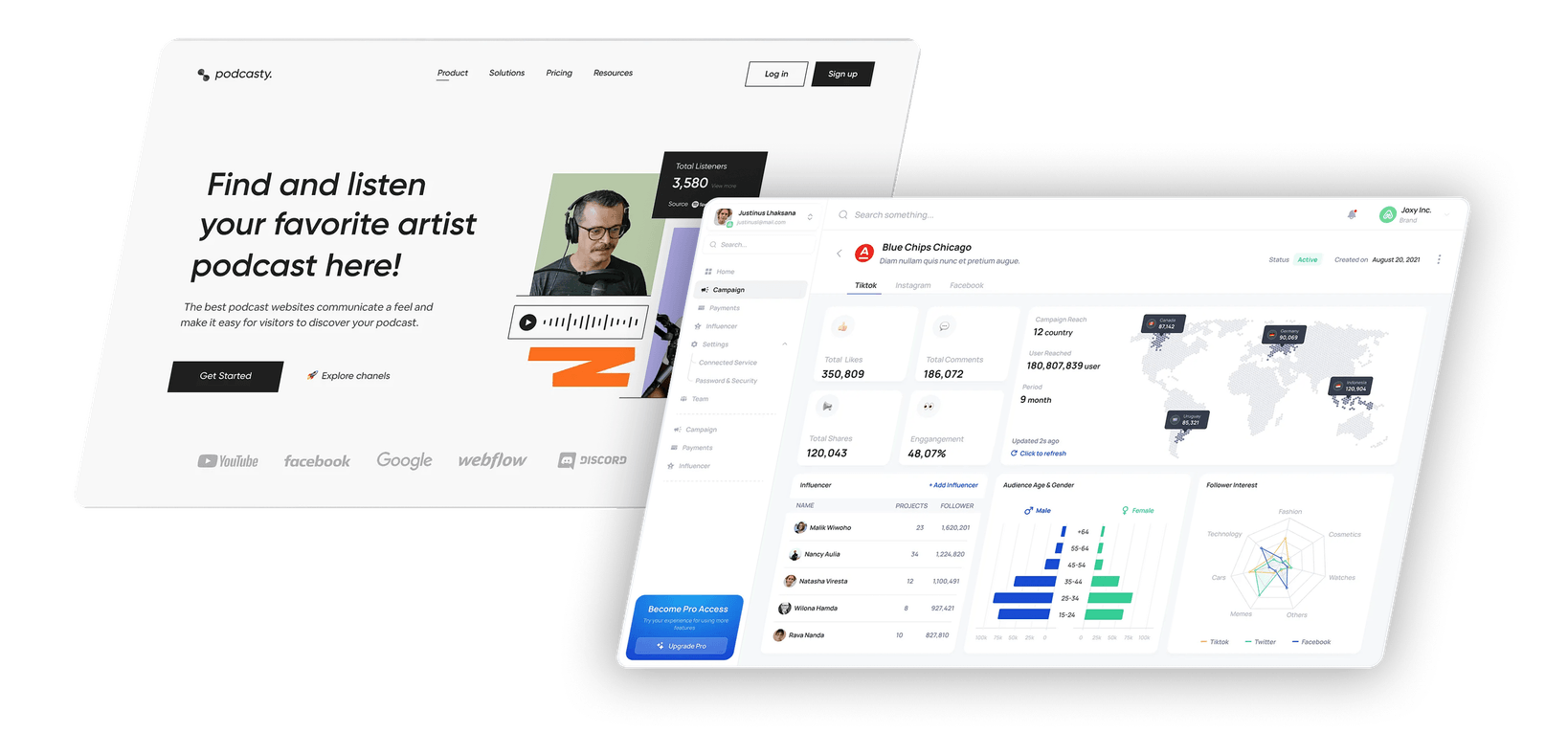



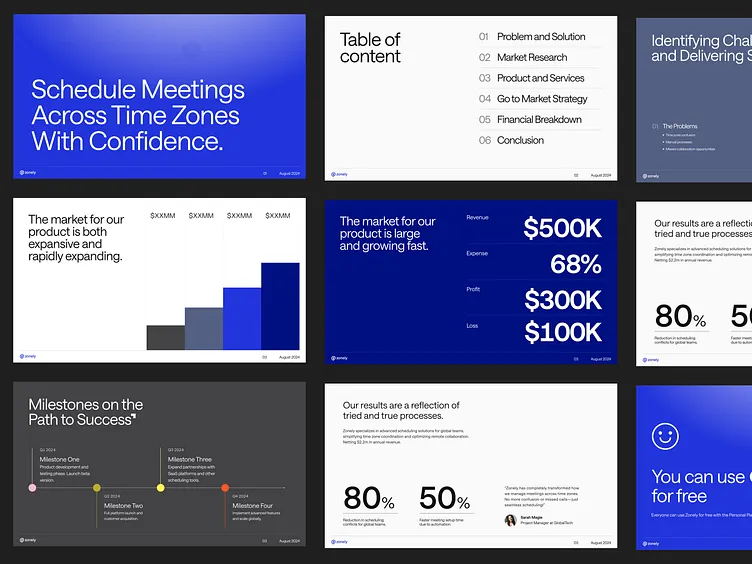 Presentations Turn briefs, notes and live data into clear, on-brand presentations ready to share.





Give Marcus his first task—for free.
Start free — no card or sales call required — and access every feature and integration. Paid plans start at CA$35 per month.
Start free